How to Start a ReSync Rhythm Walk
A direct, screen-by-screen guide to choosing a user-controlled cue, starting a short ReSync Rhythm Walk, and pausing or stopping whenever you need to.
The short answer: open Walk, preview a comfortable user-selected tempo while still, then choose Quick Cue or a 5, 10, or 15-minute Rhythm Walk. You can pause, adjust, or stop at any time.
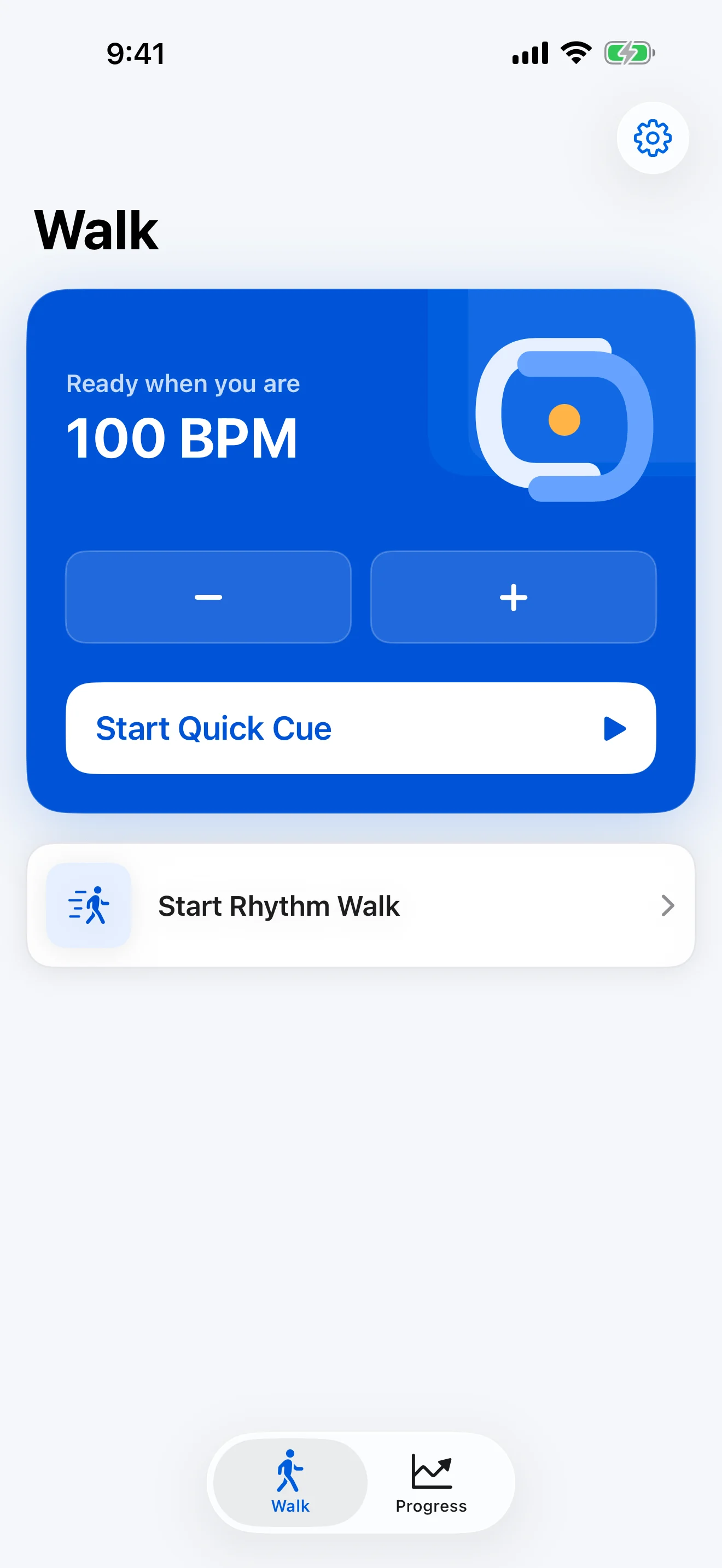
1. Start while still
Choose a clear, safe place and use your usual mobility aid or supervision where appropriate. Preview the sound and optional haptic cue before walking. ReSync does not label a tempo as medically correct.
2. Pick the smallest useful mode
- Quick Cue starts your saved rhythm without a session timer.
- Rhythm Walk offers 5, 10, or 15-minute presets.
- Tempo controls let you change the user-selected BPM within the app’s supported range.
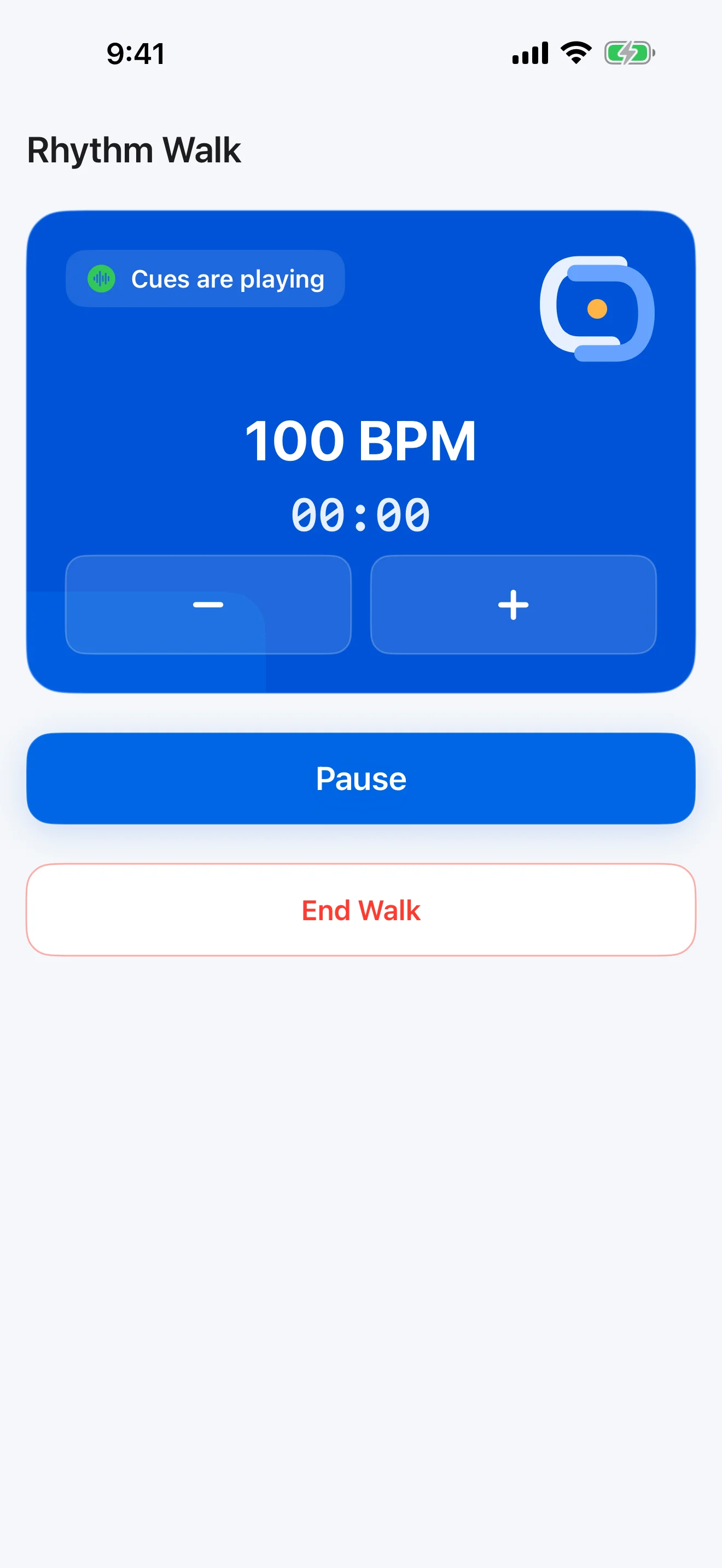
3. Stay in control
Pause or stop whenever the cue is not useful or you feel unsteady. ReSync is not emergency support and does not claim to prevent falls.
Why a rhythm cue appears here
The Parkinson’s Foundation describes rhythmic counting, clapping, music, or a metronome as cueing strategies that some people use when walking or experiencing freezing. It also advises discussing freezing with a doctor and asking about a physical or occupational therapist. Read its official resources on freezing and Parkinson’s and trouble moving or walking.
ReSync supplies an adjustable cue; it does not decide whether cueing is appropriate for you. Follow the advice of your qualified healthcare professional.
What ReSync saves
After a completed Rhythm Walk, ReSync can save the date, duration, selected BPM, and any optional check-in answers on the iPhone. Those are descriptive records—not a diagnosis, clinical score, or proof of improvement.