A Calm Weekly ReSync Review
A calm 15-minute review of completed ReSync Rhythm Walks that keeps the user's choices, local privacy, descriptive language, and care boundaries intact.
The short answer: with the ReSync user’s permission, review recent sessions for 15 minutes, describe only what was recorded, and let the user decide whether any tempo is worth trying again. Do not treat the history as a clinical report.
A three-step weekly review
- Ask permission. ReSync history belongs to the person using the app.
- Review facts. Look at completed dates, duration, selected BPM, and any optional answers.
- Choose one next step. The user may repeat a previously comfortable tempo, choose another, or do nothing.
Keep language descriptive
Useful: “You marked 92 BPM as comfortable on Tuesday.”
Not supported: “92 BPM improved your Parkinson’s.”
ReSync displays personal records and descriptive patterns. It does not diagnose, grade symptoms, or measure treatment response.
Keep control with the user
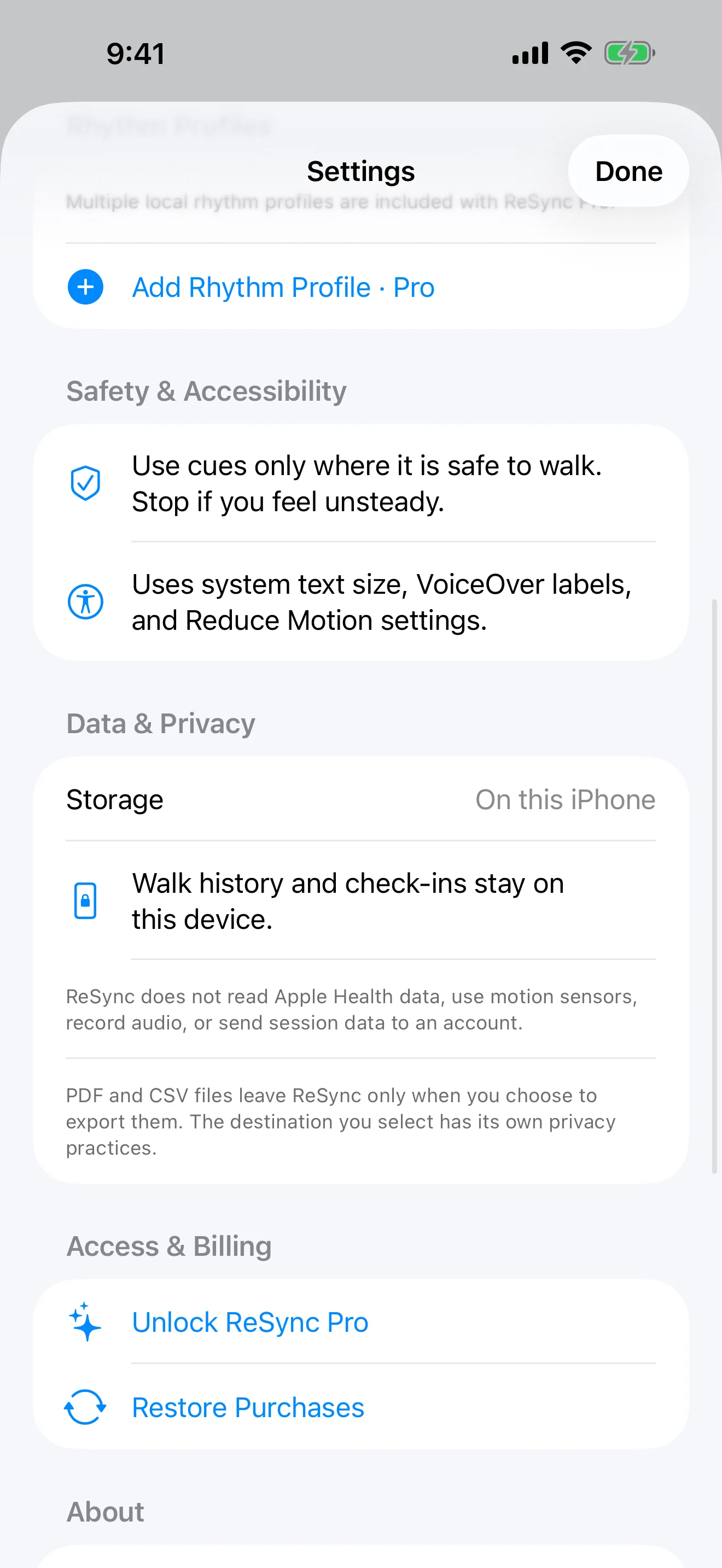
The user can skip check-ins, delete one session, delete all local data, or choose whether to export a visit summary. A care partner should not pressure the user to disclose or export information.
Know when the app is not the answer
ReSync is not emergency help, fall prevention, or professional care. The Parkinson’s Foundation advises staying calm and not rushing or pushing someone during a freezing episode, and recommends discussing freezing with a doctor and trained therapist. See its official freezing fact sheet and care partner resources.
For questions about a person’s walking plan, medication, or safety, contact their qualified healthcare professional rather than relying on the app history.